Use for Free
Design Systems for Freelancers
3 min
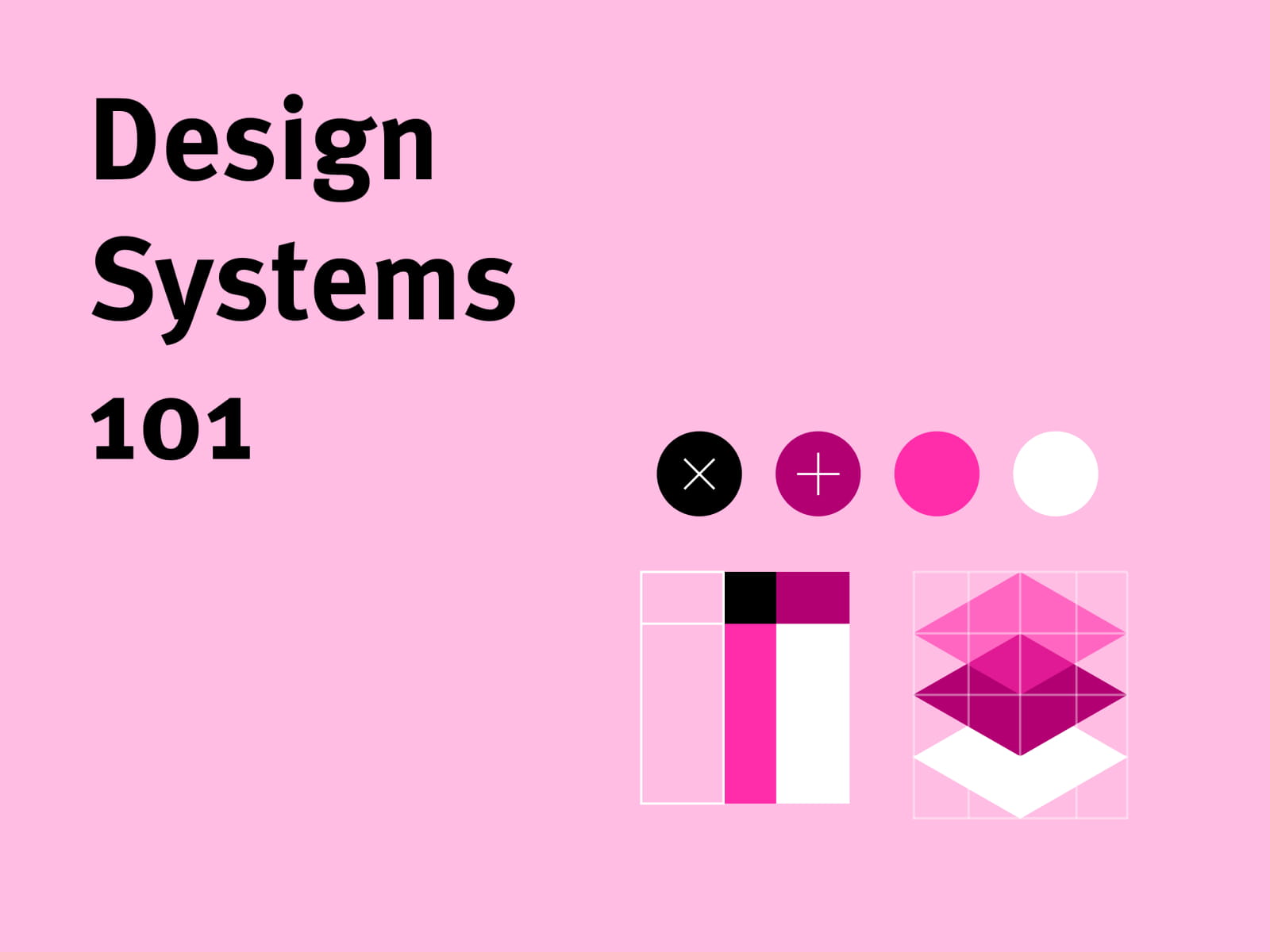
Freelancers often work on multiple projects with different clients, styles, and timelines. Without a structured approach, it’s easy for design work to become inconsistent and time-consuming. A design system helps freelancers stay organized while delivering high-quality work more efficiently.
What Is a Design System?
A design system is a collection of reusable rules and components that guide how a website or product is designed. It usually includes typography styles, color palettes, spacing rules, and UI components like buttons, cards, and navigation elements.
Instead of designing everything from scratch each time, freelancers can rely on these predefined elements to build pages quickly and consistently.
Saving Time on Projects
When a design system is in place, repetitive work disappears. Components can be reused across pages, and styles can be updated globally. This makes it easier to maintain consistency while reducing the time needed to complete projects.
Tools like Framer make this process even smoother by allowing designers to create reusable components and global styles that apply across the entire website.
Creating Consistent Results
Consistency is a major factor in professional design. A design system ensures that spacing, typography, and layout patterns remain uniform across the entire project. This not only improves visual quality but also makes the user experience feel more polished and intentional.
For freelancers, consistency also builds trust with clients.
Final Thoughts
A design system isn’t just for large teams. Freelancers can benefit greatly from having structured guidelines and reusable components. By building simple systems for colors, typography, and layouts, freelancers can work faster, stay organized, and deliver more professional results.